
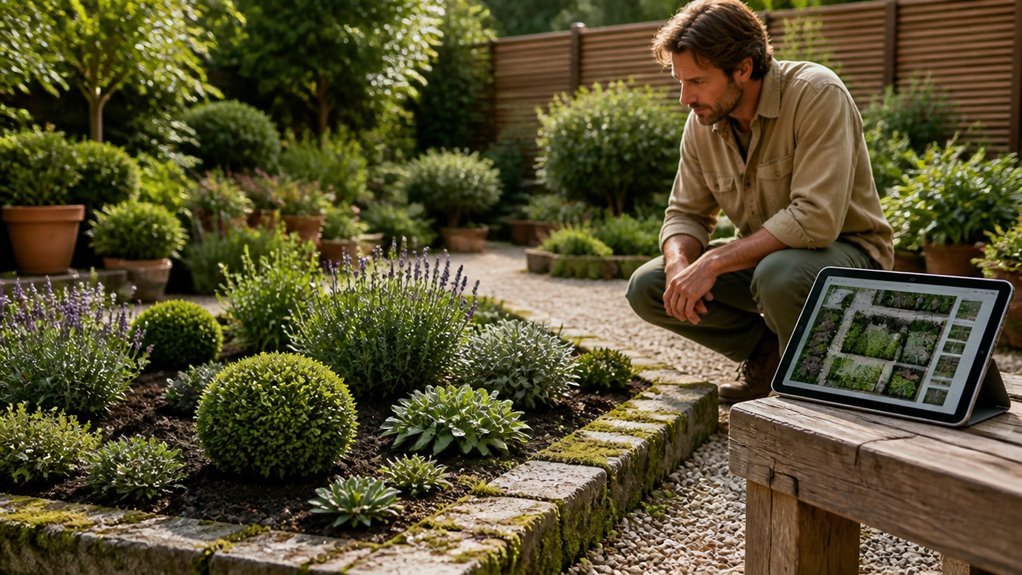
Like choosing the wrong shovel for clay soil, picking a design app without testing its core strength wastes time and money. Remodel AI converts my phone photos into styled yards in minutes, but iScape drops plants right where I stand through AR. Each tool serves different dirt: photo transformation, satellite tracing, or 3D planning. So I match the app to my actual project before downloading.
Best Garden Design Apps: Quick Picks by Yard Project
This tool ranks as the best overall yard visualization option.
Remodel AI, Best for Photo-to-Yard Transformation
Full-service garden design apps start here. Upload your yard photo. Pick from 10 garden styles. Get 3 free designs. Pay $29/month Pro or $49/month Premium. Use iOS, Android, or web.
iScape, Best for AR Planting
Hold your phone over your yard. Drop plants in real space. Filter by your region. Test plants before buying. Not a full transformer.
Leaftide, Best for Satellite Tracing
Trace your property from above. Design free-form beds. Align real dimensions. Share illustrated plans. No credit card needed for free version.
Garden Puzzle, Best for 3D Design
Build yard boundaries in 10 seconds. View from multiple angles. Skip photo editing.
Planter Garden Planner, Best for Plot Planning
Plan vegetable and herb beds. Access small plant database. Skip photo transformations.
Best Photo-Based Garden Design Apps: Remodel AI vs. iScape
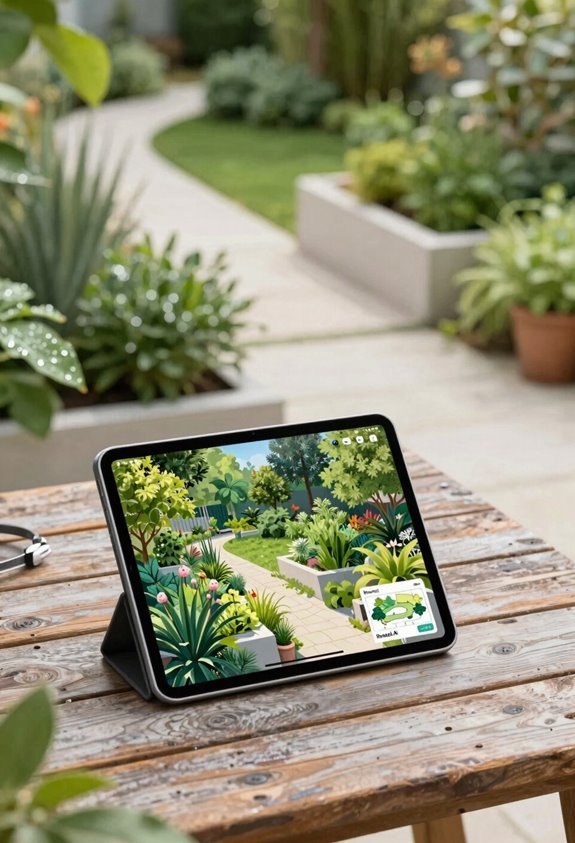
Where do you turn when your yard photo needs to become a real plan? I compare two tools that handle real yard photos differently.
Remodel AI
Photo-to-photo tool. Upload your image. Select from 10 garden styles. Get photorealistic results in 10 seconds. Boundaries preserved. Fences stay. Structures remain. Planting aesthetics change.
Three free designs. Then $29/month Pro or $49/month Premium. Works on iOS, Android, and web. One subscription covers interior and exterior.
iScape
AR visualization tool. Overlay plants and features on your photo. No full yard redesign. Real-scale plant placement. Region-specific filtering. Large catalogs of trees, pavers, outdoor features.
Trial available. Subscription follows. Best for iterative layout adjustments.
Choose Remodel AI for instant transformation. Choose iScape for hands-on AR placement. Check pricing plans before deciding.
Best Planner and 3D Garden Design Apps: Planter vs. Garden Puzzle

How do you plan a garden from scratch? I start with the right tools for my needs.
Planter
*$2.99/month, no free trial*
Planter delivers grid-based bed planning for vegetable gardens. I map companion plants, track frost dates, and schedule harvests. This app skips photo yard transformation. It serves kitchen gardeners who prioritize plant layout over full landscape planning.
Garden Puzzle
*Paid plan required for full features*
Garden Puzzle builds 3D design environments in ten seconds. I explore multiple sight lines and viewpoints in immersive visualization. The app maintains yard boundaries without styling real photos. It suits landscape planning requiring spatial understanding.
My Take
Choose Planter for structured vegetable plotting. Pick Garden Puzzle for spatial 3D exploration. Budgeting or free trial options favor neither; both demand payment for core features.
Best Free and Budget Garden Design Apps
Paid tools work well for dedicated planners. Many of us need solid options without spending much, so I’ve tested the best free and budget garden design apps for our community.
Planner 5D
Free tier available. I use this for basic outdoor layouts and 3D visualization to check spatial relationships before buying plants.
VegPlotter
Completely free. I recommend this grid-based planning tool for vegetable gardeners who want simple, no-cost organization.
Leaftide
Free tier requires no credit card. I trace satellite-traced beds and create illustrated, shareable garden views here.
Hortisketch
Budgeting/limited free features let me test before paying. PDF exports come with the paid version.
GrowVeg and Planter
Both offer free-to-try features, but I find GrowVeg’s full sharing capabilities sit behind a paid tier.
Choose the Right Garden Design App for Your Yard
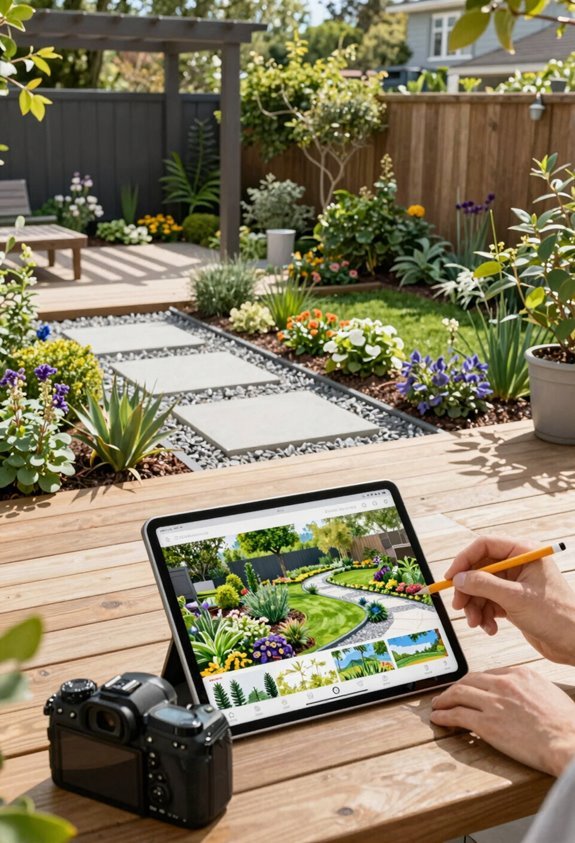
Remodel AI, Best overall for yard visualization
This app offers photo-to-photo transformation across ~10 garden styles with 3 free designs. Plans run $29/month Pro or $49/month Premium. It works cross-platform on iOS, Android, and web for interior and exterior projects.
iScape, AR plant placement specialist
Use this for region-specific filtering and real yard photos. The trial lets you test before buying. It fits homeowner planning but does not handle full yard transformations.
Planter Garden Planner, Vegetable plot planner
This tool manages edible garden layouts with a small plant database. It does not support photo-based yard work.
Garden Puzzle, 3D design builder
This creates 3D designs in about 10 seconds from digital drafts. It preserves yard boundaries but does not transform real photos.